Getting started
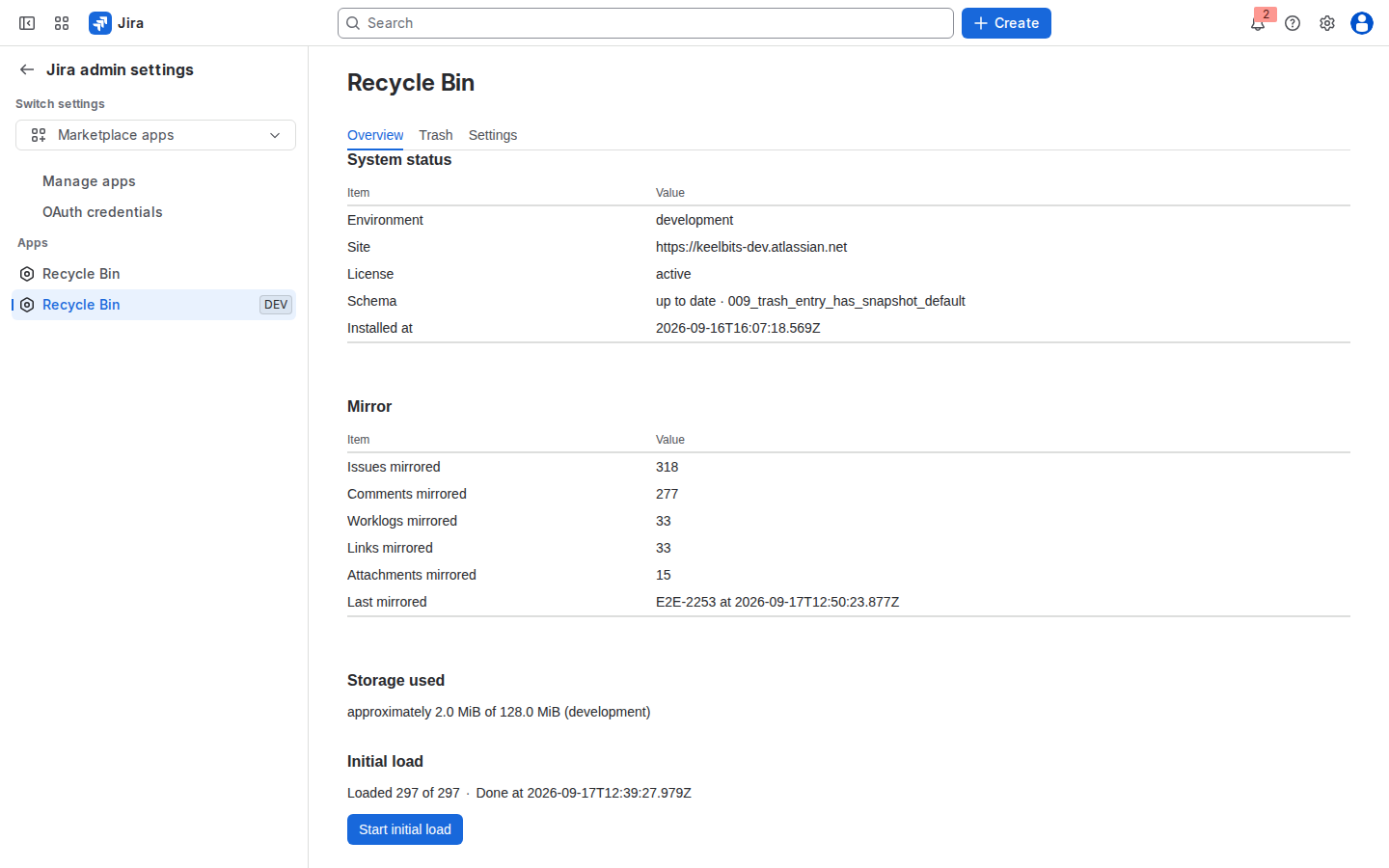
Install Issue Recycle Bin from the Atlassian Marketplace, open its page under Jira settings, run the initial load once, and check the Overview tab.
Install from the Marketplace
- Open the listing on the Atlassian Marketplace and start the free trial or subscribe. Billing, invoices and renewals are handled by Atlassian ("Paid via Atlassian").
- Confirm the permissions the app asks for at install time:
read:jira-work,read:jira-user,write:jira-workandstorage:app. The app requests nothing else and has no external network access. - The app page appears under Jira settings → Apps → Recycle Bin. Only Jira site administrators can open it.
Run the initial load
The mirror is fed by Jira events, so issues that existed before the installation are unknown to the app until you load them. On the Overview tab press Start initial load. Progress is shown as "Loaded X of Y"; you can leave the page, the load continues in the background. On our test site 1,101 issues with about 3,100 comments took 8 minutes.
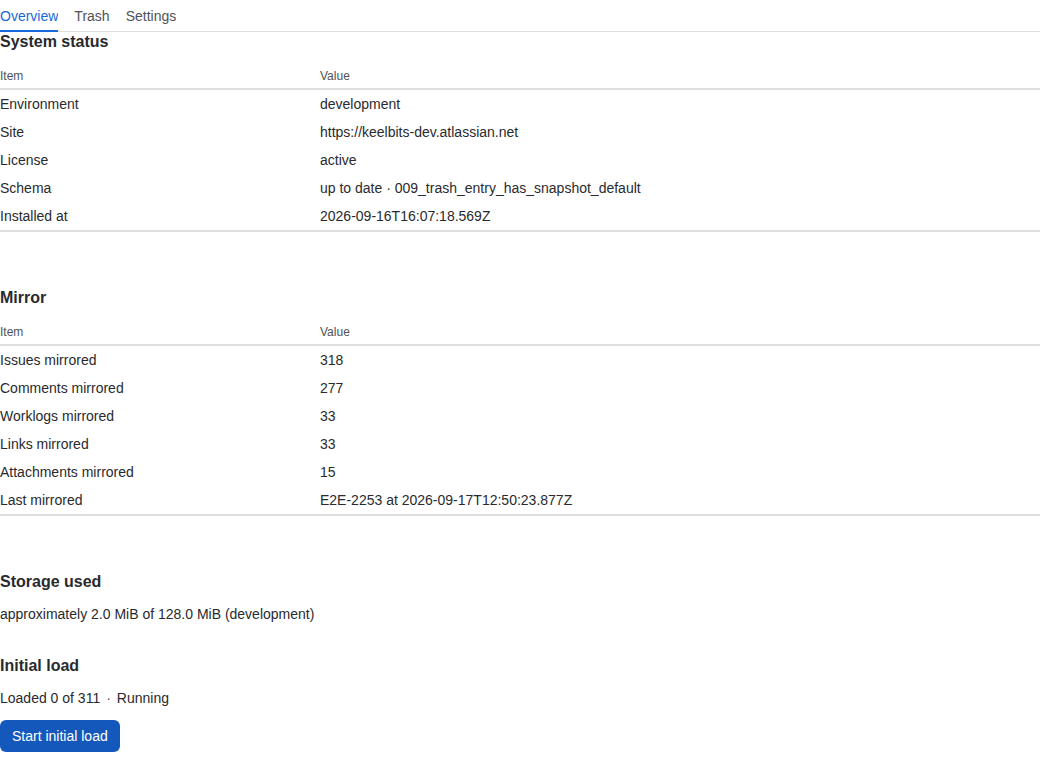
Run the initial load again after any period when the subscription was inactive: nothing is saved while it is inactive, and the Trash tab reminds you about it.
Check the Overview tab
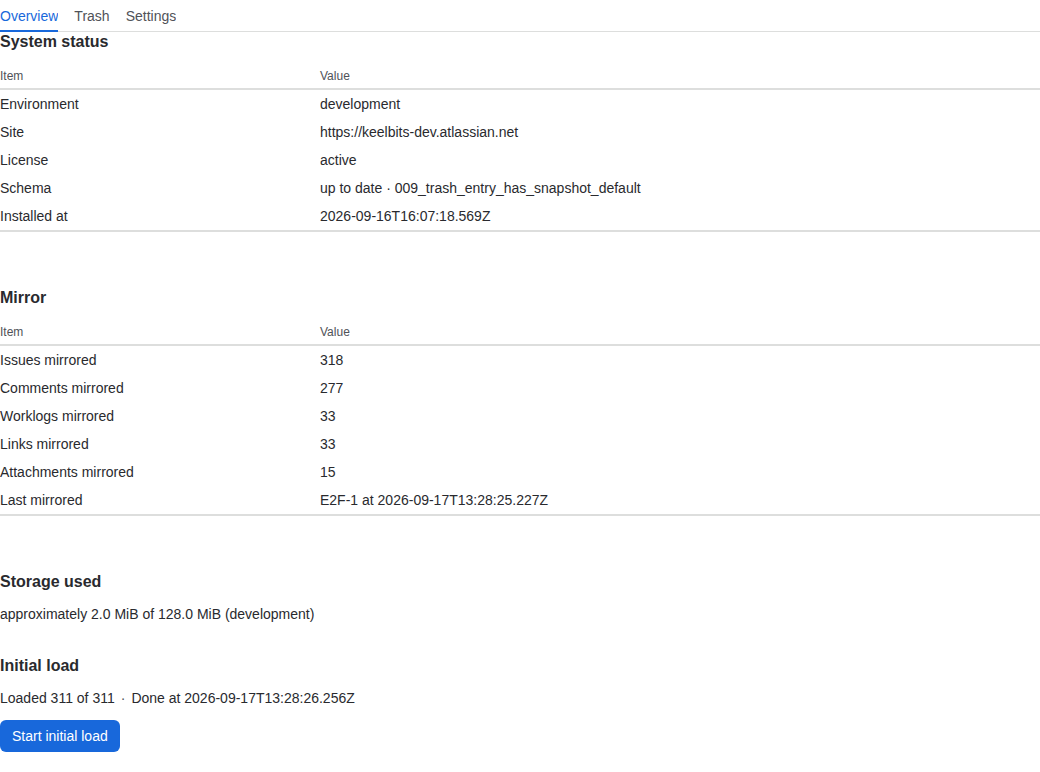
- System status — the app version, schema migrations and subscription state.
- Mirror — how many issues and comments are mirrored and when the last change arrived.
- Storage used — an approximate figure against the 1 GiB limit of a production installation, with a warning at half of it.
- Initial load — the state and progress of the last load.
Next steps
- Set the retention period on the Settings tab (90 days by default): Retention and storage.
- Read the Limitations before you rely on the app.
Last updated 2026-09-17 · Questions: support@keelbits.com