Retention and storage
How long deleted issues stay in the trash, how to empty it, and how much of your installation's storage the app uses.
Retention period
On the Settings tab choose 30, 90, 180 or 365 days; the default is 90. A daily cleanup removes trash entries older than the period together with their copies. Issues that are not deleted stay mirrored regardless of the retention period.
Empty trash
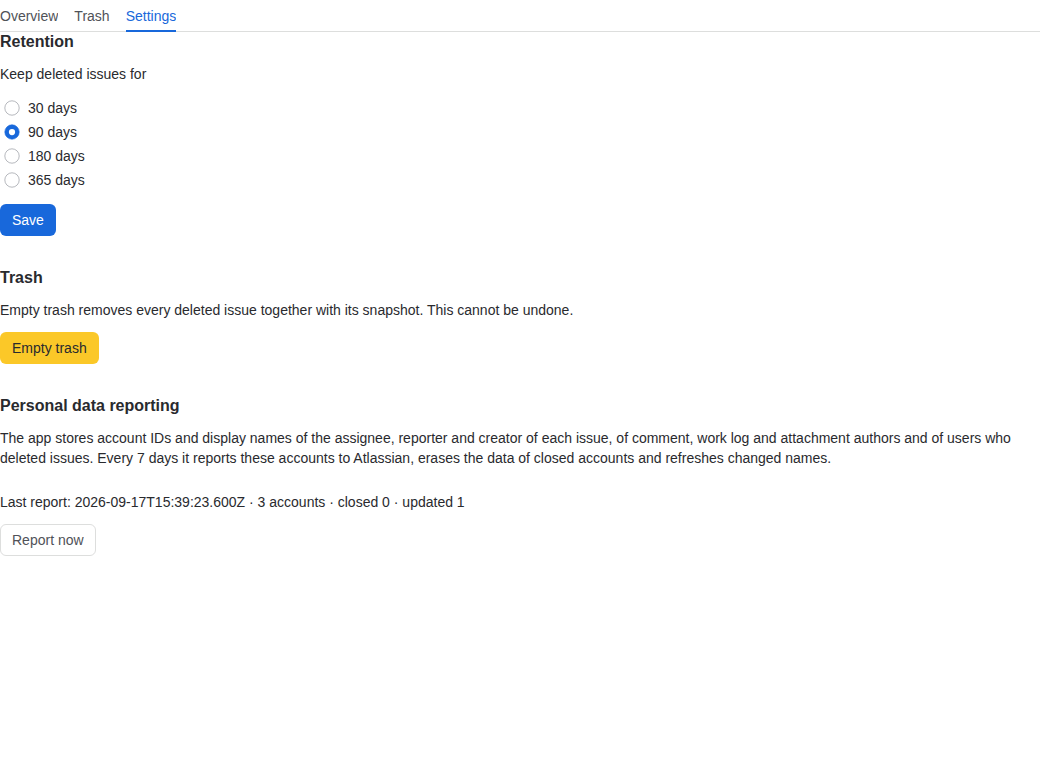
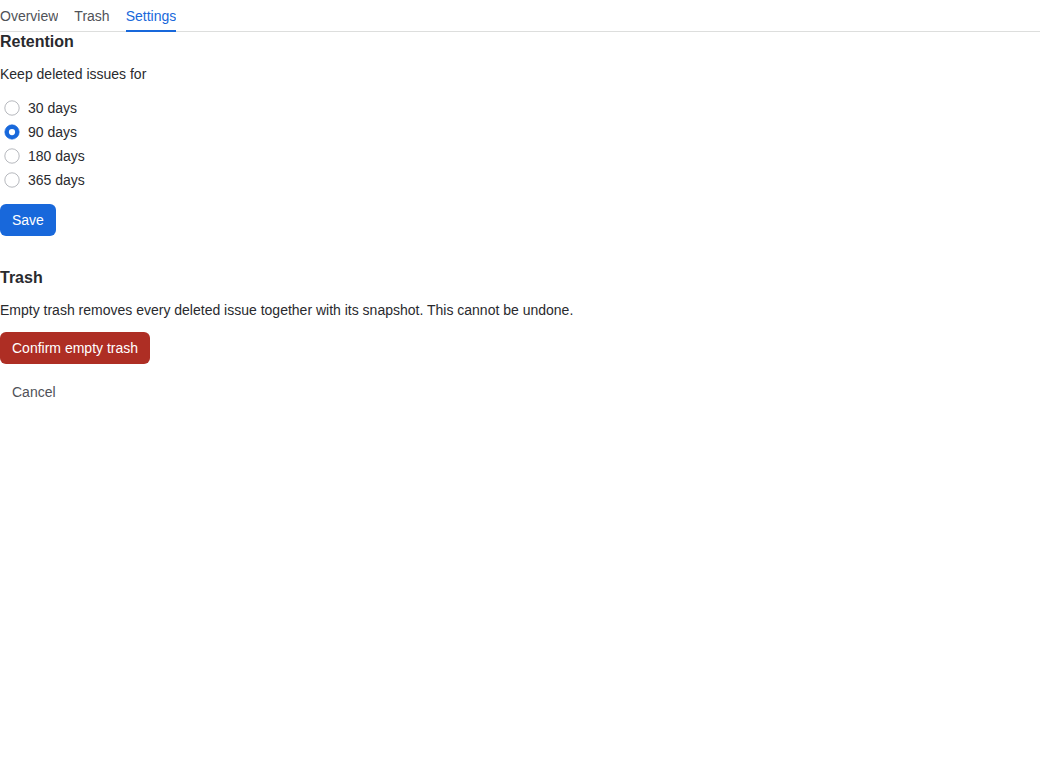
Settings → Empty trash removes all trash entries and their copies at once, after a confirmation. A large trash is cleaned in batches; the page repeats the call until nothing is left.
Storage used
The Overview tab shows "Storage used" as an approximate figure: the sum of the stored text sizes plus a per-row overhead, not a database measurement. The app warns when usage passes half of the limit.
Copies live in the Forge SQL storage of your installation, which Atlassian limits to 1 GiB per production installation. On our test site a thousand issues with three comments each took roughly 5 to 8 MiB, so a production installation holds in the order of a hundred thousand such issues. Keep the retention period short enough for your volume.
Personal data reporting
The copies contain account ids and display names: the assignee, reporter and creator of an issue, the authors of comments, work logs and attachments, and the user who deleted an issue. Every 7 days the app reports these account ids to Atlassian. Closed accounts are erased from every copy (account id and name); renamed accounts get the new name.
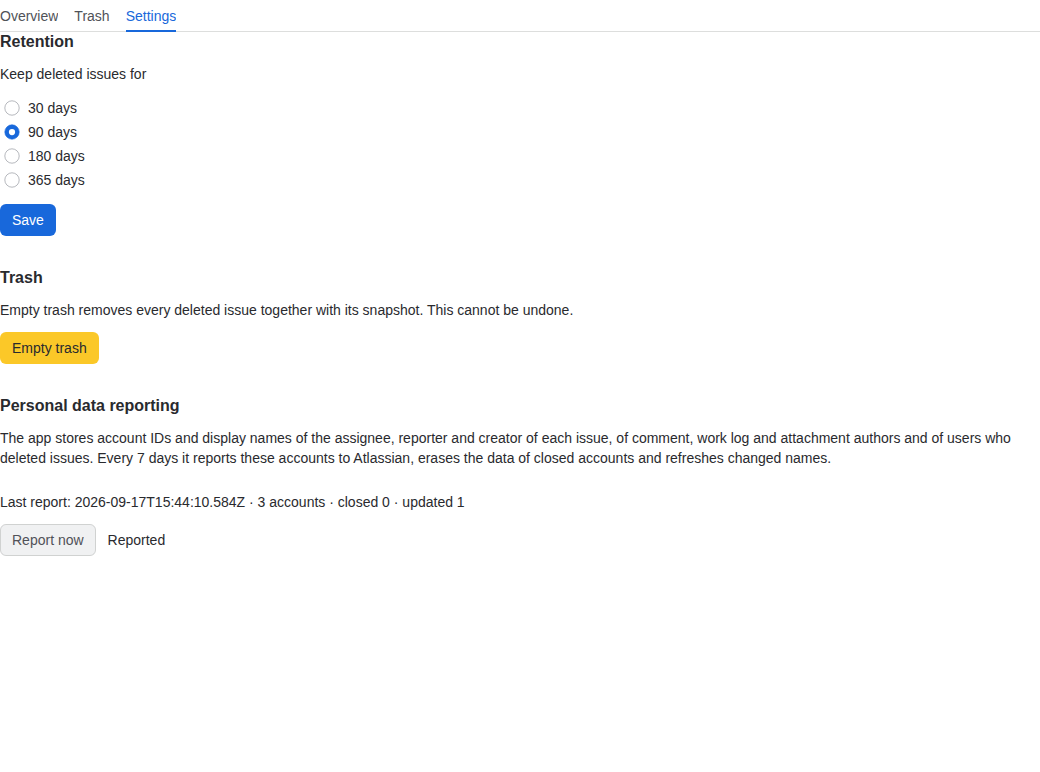
Settings → Personal data reporting shows when the last report ran, how many accounts it covered and how many were closed or updated. Report now runs the report immediately, for example after a data subject request.
What is stored where
- Forge SQL of your installation: issue snapshots, comments, work logs, issue links, attachment metadata and the trash entries.
- Forge key-value storage of your installation: the retention setting, the progress of the initial load and the result of the last personal data report.
Uninstalling the app removes both; a reinstall starts with an empty mirror, so run the initial load again.
Last updated 2026-09-17 · Questions: support@keelbits.com